There are different Log types in stg-servisai-teststaging.kinsta.cloud. The most basic ones are Calls, Emails, and To-Dos. However, you can also keep track of your Meetings and Notes. All of these activities are located in a single place for you to review right under Activities.
Edition Qualifier: The filter feature is available in all stg-servisai-teststaging.kinsta.cloud Editions.
User Permissions: This feature is available for all users in stg-servisai-teststaging.kinsta.cloud.
Navigate to Events
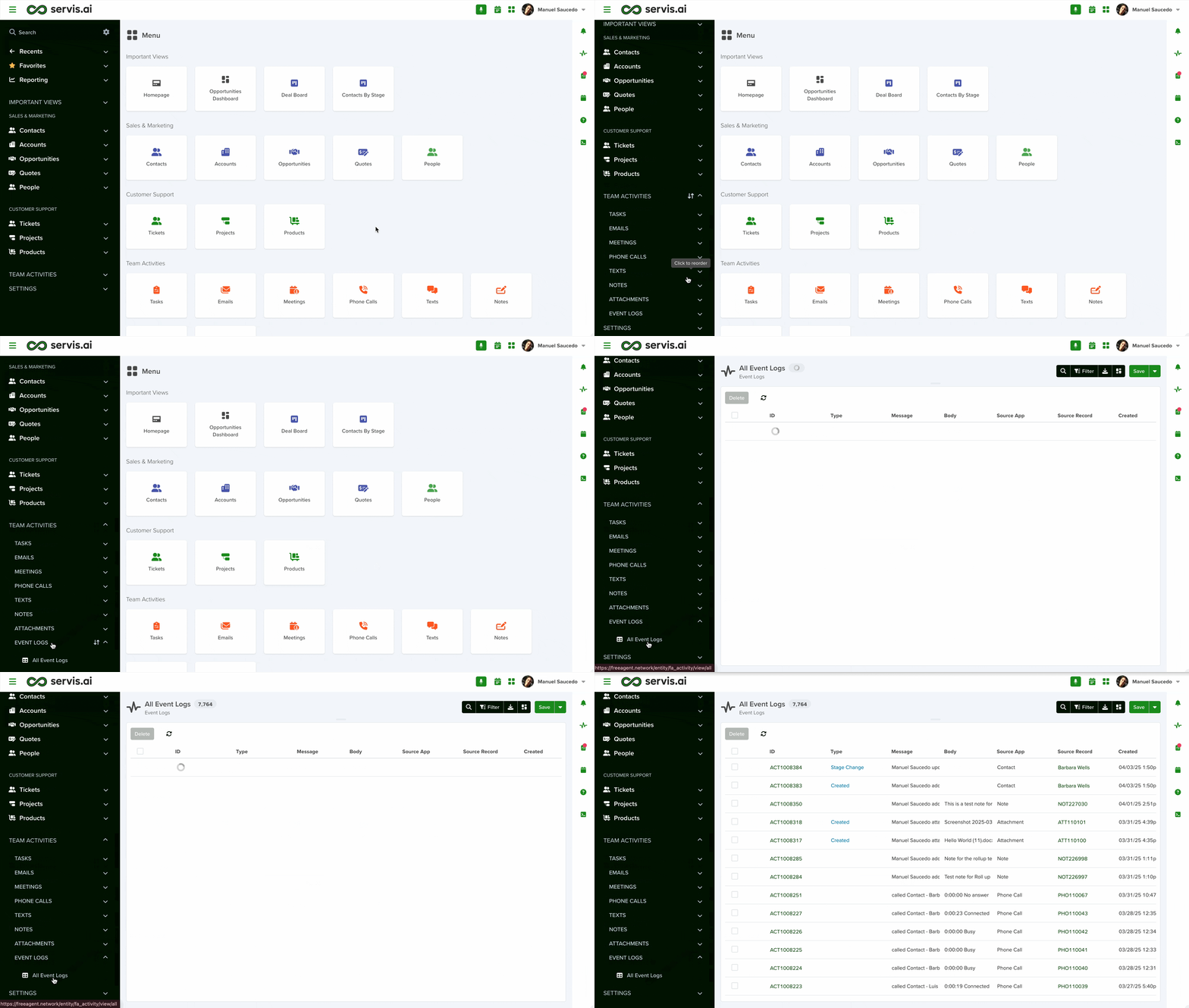
Go to Activities > Event Logs > All Event Logs.
Filter Events and Change View

Just like with other views in stg-servisai-teststaging.kinsta.cloud, you can filter your Event Logs. You can create custom views so that you’re only seeing the logs you need or want to see.
Learn more here:
You can also change your view the same way you can with other apps in stg-servisai-teststaging.kinsta.cloud. Learn more about each view:
Save a View
If you have applied some filters or even performed a specific search within your Events, you can save it as a View for quick access. Learn more here:
Export Events

Click on the ‘Export’ icon in the top right corner of the screen. Then select the format you would like to export your logs in.


