Through integration with RingCentral, you can make phone calls and send SMS messages directly from stg-servisai-teststaging.kinsta.cloud.
Prerequisites: A RingCentral account is required. Each user must have their own RingCentral user account and phone number.
User Permissions: Only an Administrator can authorize a RingCentral account.
For more information, see our RingCentral Features article.
FAQs
How do I sign in to RingCentral?
How do I pair my phone in stg-servisai-teststaging.kinsta.cloud?
See our Pair Phone article for instructions.
How do I authorize my RingCentral account?
See Authorize your RingCentral account.
Is RingCentral a native integration in stg-servisai-teststaging.kinsta.cloud?
Yes.
How much does RingCentral cost?
Pricing depends on your RingCentral subscription.
Can I import my existing RingCentral records?
Your existing RingCentral records are fetched daily by stg-servisai-teststaging.kinsta.cloud. See Syncing your RingCentral records for details.
Should I use RingCentral or Twilio?
Both RingCentral and Twilio are reliable VoIP solutions.
Navigate to RingCentral

From the Navigation Menu, go to Settings > Integrations > VoIP. Select the VoIP Provider field and choose RingCentral from the dropdown.
Syncing your RingCentral records
Once you have selected RingCentral as your VoIP provider, the next step is to configure how your records sync with stg-servisai-teststaging.kinsta.cloud.
Key Settings to Define:
- Reference Apps: Choose which apps (e.g., Contacts) should be checked when matching records.
- Phone Field: Select the phone field used for matching (e.g., Work Phone).
These settings determine how stg-servisai-teststaging.kinsta.cloud identifies and matches RingCentral records.
Example Setup:
- App: Contacts
- Phone Field: Work Phone
In this example, stg-servisai-teststaging.kinsta.cloud matches RingCentral phone numbers with the Work Phone field in the Contacts App and syncs matching records.
Note: During the first admin login, stg-servisai-teststaging.kinsta.cloud imports the last 30 days of RingCentral records. After that, records are synced daily.
Selecting the reference App
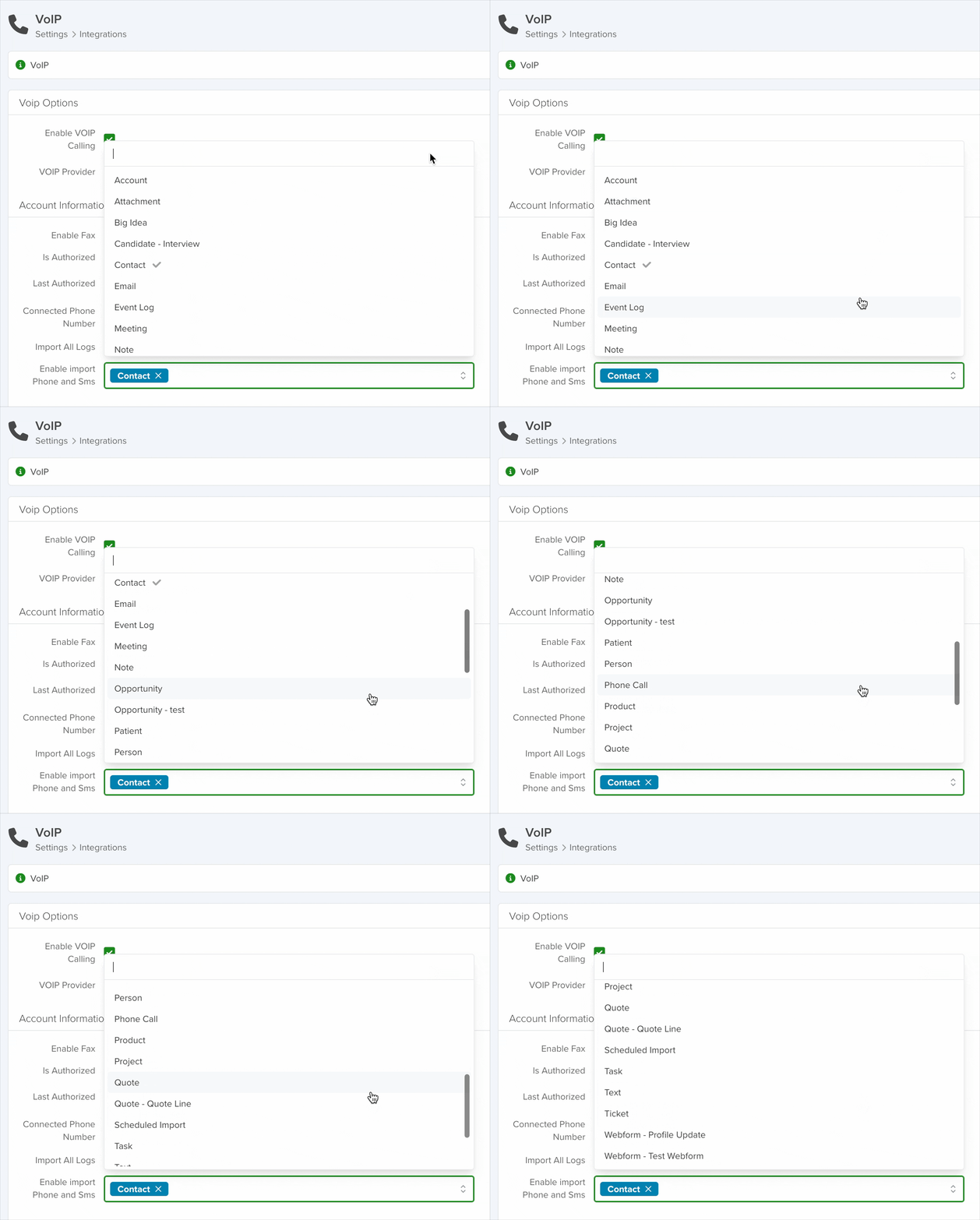
Choose the app you want to reference when matching records in RingCentral using the Enable Import Phone and SMS field, then save your selection.
Selecting the reference phone field
Add your chosen phone field to the Search Preferences section within the App Settings of your reference App.
See the Search Preferences section for guidance.
Authorize your RingCentral account
Select RingCentral as the VoIP Provider and click Save. An Authorize RingCentral button will appear next to the Save button.
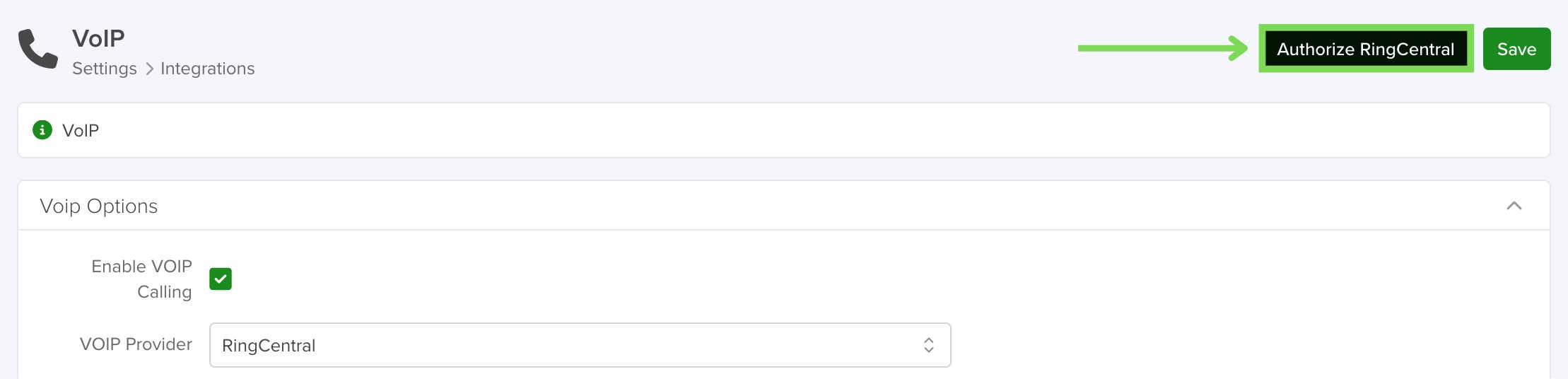
Click Authorize RingCentral, then sign in using your RingCentral credentials. stg-servisai-teststaging.kinsta.cloud will retrieve your RingCentral account information.
If an admin authorizes the account, all associated phone numbers will automatically appear in the Connected Phone Number field.
Note: Authorization is required to send bulk texts and run text campaigns.
Enable Fax
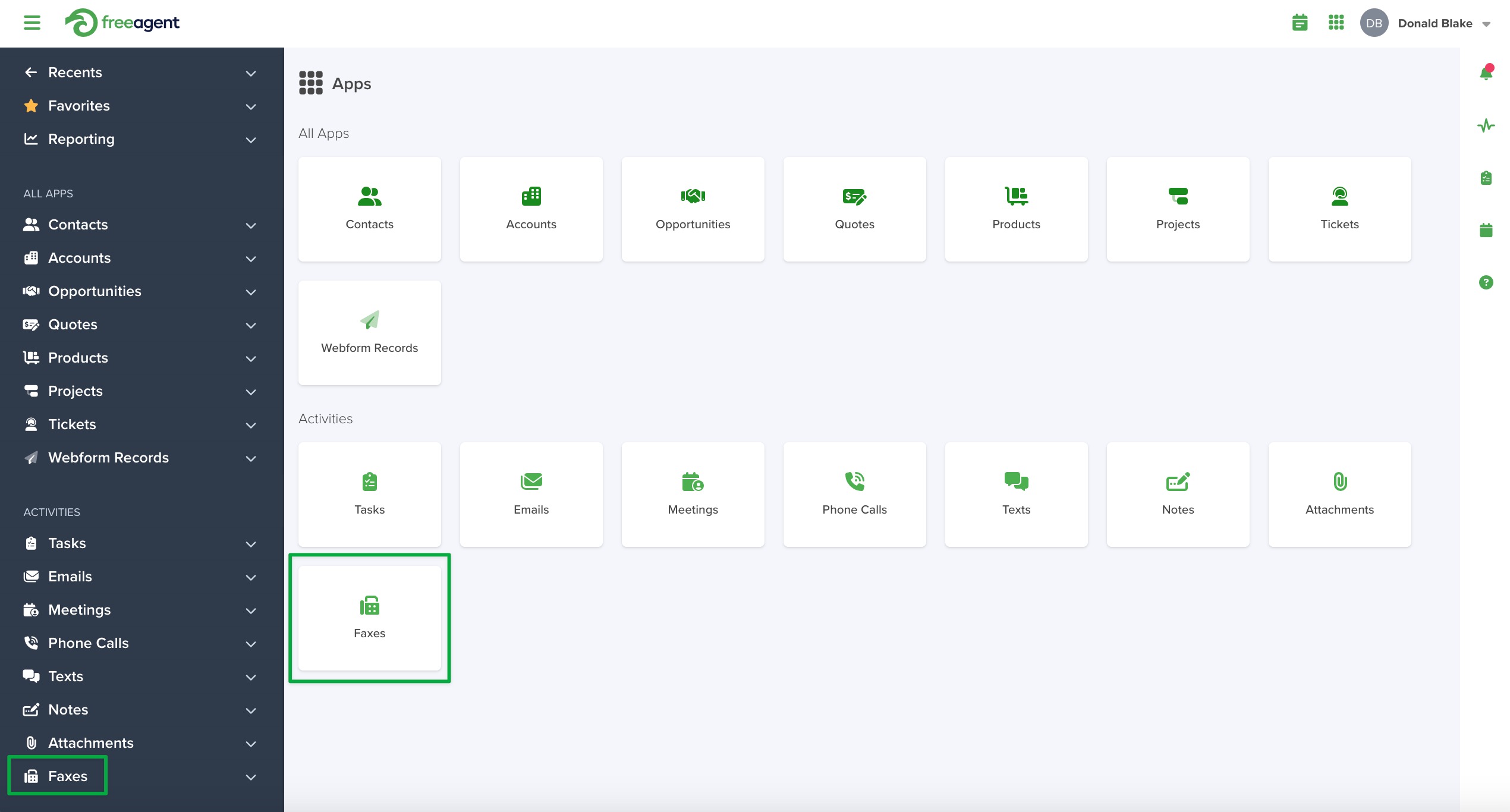
To enable fax functionality, select Enable Fax and click Save.
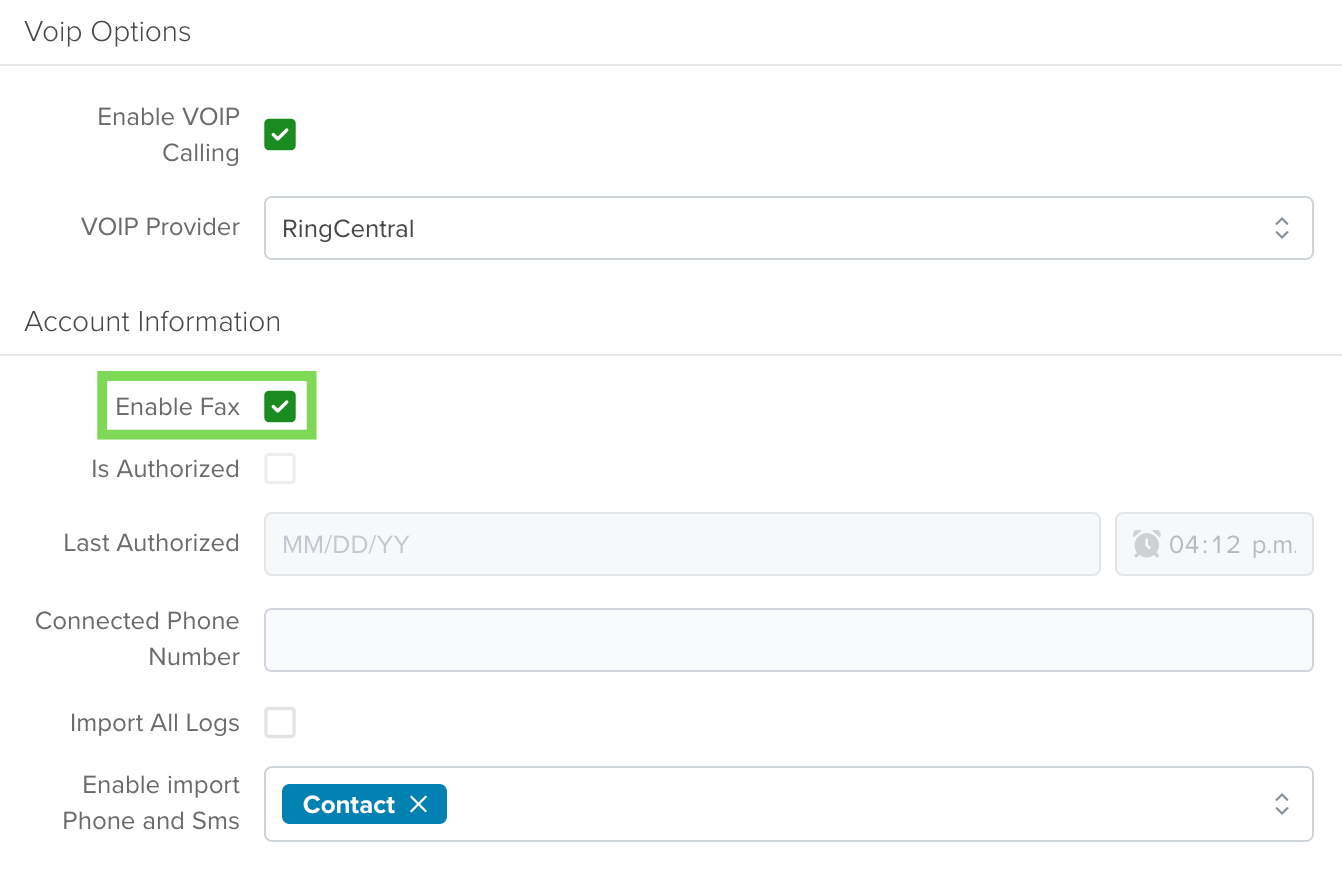
This creates a new Faxes activity under the Activities section and adds a new icon to the Apps page.
Sign in to RingCentral
After RingCentral is selected as your VoIP provider, a sign-in window will appear the first time you place a call or send a message.
Sign in using your RingCentral account credentials.